By Nazreen Daud · Published 2 Nov 2026 · Last updated: 2 Nov 2026
In this guide:
- The calendar on the clinic wall
- Why a year goes stale
- Should you just change the year?
- The 5-minute check
- Pages most at risk
- Who this isn't for
- Dates and AI search
- My view
- FAQ
Should you update the year in blog titles? Only if the content is current too. Have your website agent (or you) find every previous year, decide whether each page is about that year or just current as of it, update the content first, fix the meta title, and drop years that add nothing.
The calendar on the clinic wall
You've probably sat in a waiting room with an old calendar on the wall. It's March, and the calendar still shows last November. Nobody says anything, but you notice. Small thought: if they haven't flipped the calendar, what else haven't they kept up with?
A year in a page title works the same way. "Best coaching tips for 2026" reads perfectly well today. On 2 January it quietly tells every new visitor that nobody has touched that page in a while.
A newsletter I read this month reminded me of this (RightBlogger, a blogging tool; they also sell software, so I'm only borrowing the idea). I'm adding the check to my own list before December.
Why does a year in your title go stale so fast?
A year in a title is a promise that the page is current for that year. The moment the calendar turns, the promise flips: the same title now signals the page is out of date. For service businesses that rely on trust, an obviously old page can make visitors wonder whether the business itself is still active.
Years in titles aren't wrong. They're popular because people do search for "2026" when they want recent advice. The catch is that they come with a maintenance job, and many small business sites don't have anyone assigned to it.
Should you just change 2026 to 2027?
No, not on its own. Change the year only after you've reviewed and updated the content. Google's own guidance on helpful content asks site owners whether they are "changing the date of pages to make them seem fresh when the content has not substantially changed?" A new year on old advice misleads readers and doesn't fool search engines.
That line is from Google Search Central's page on creating helpful, reliable, people-first content, which I checked on 24 October 2026. It sits in a list of warning signs that content is made for search engines rather than people.
An analogy: changing only the year is like re-labelling a jar of jam with a new expiry date. The label looks fresh. The jam doesn't care.
The 5-minute year-end date check
Here's the checklist. It's written for sites built with an AI website builder or vibe-coded with an AI agent, with a short section for drag-and-drop builders after it. Finding the old years takes about five minutes. Only the pages that genuinely need rewriting take longer.
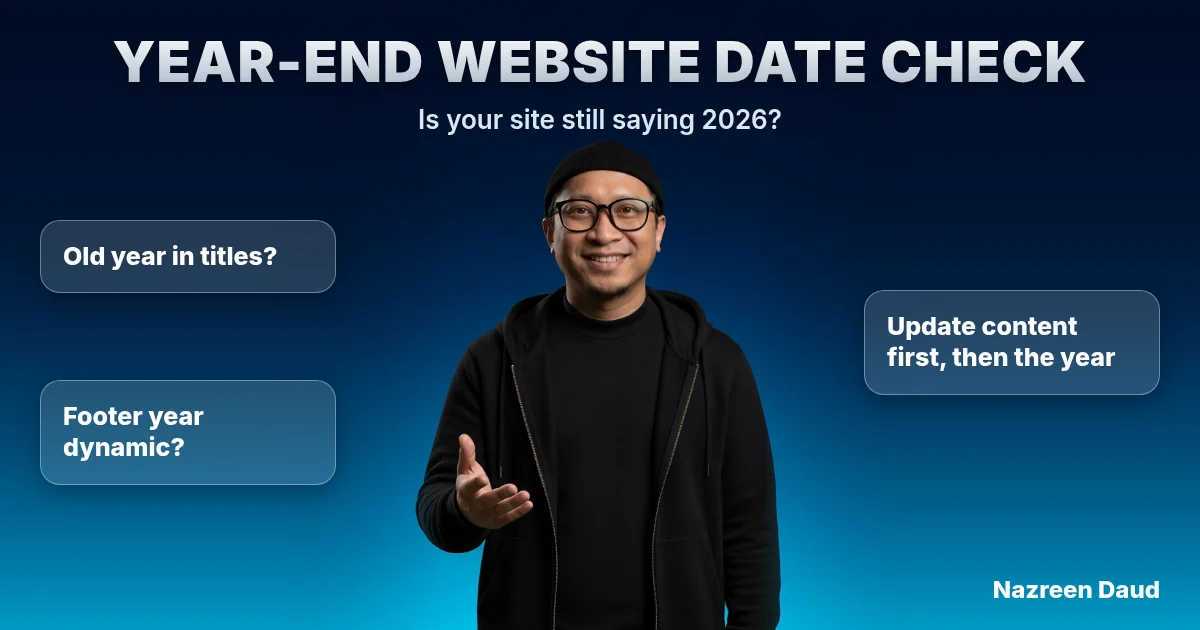
- Ask your website agent to find every old year. Something like: "Scan every page and component of this site for any previous year (2025, 2024 and earlier). Include page titles, headings, buttons, image alt text, meta titles, meta descriptions and the footer. List each one with the page it's on. Don't change anything yet."
- Sort each result into one of two groups. Is the page about that year (an event recap, a 2025 price change, an annual report)? Or is it current as of that year (a guide, a checklist, a "how to choose" post)?
- Leave "about" pages alone. A recap of a 2025 workshop should keep its 2025. That's honest.
- For "current as of" pages, update the content first. Check prices, tool names, links, rules and examples yourself, then tell the agent what's changed and ask it to update the page. Only then change the year, or remove it.
- Ask the agent to fix the meta title and description too. These sit apart from the heading people see, so search results can keep showing the old year if only the heading changes.
- Drop years that add nothing. "How to write a clear service page" doesn't need a year. Evergreen advice ages better without one.
- Check the dates people can see. If the page shows "Published" or "Updated", make sure they're right. Google's guidance on byline dates recommends a visible, clearly labelled date that matches your structured data, so ask the agent to keep the two in step.
- Make the footer year dynamic. Ask the agent to replace a typed copyright year with one that reads the current year automatically, so you never have to touch it again.
One caution: review the agent's list before you let it change anything. A blanket "replace 2025 with 2026" would also rewrite that honest 2025 workshop recap. The agent is quick. The judgement about which pages are about a year still has to be yours.
Still using a drag-and-drop builder?
The same logic applies; you just do the search yourself, page by page. The one change worth making today is the footer. Instead of typing the copyright year, set it to display dynamically. Check your builder's settings for a dynamic date or "current year" option. If it only lets you add custom code, a one-line script using JavaScript's new Date().getFullYear() shows the current year. Then 1 January takes care of itself.
Save this for the first week of December, or set a calendar reminder now.
Which pages on a service business site are most at risk?
The riskiest pages are the ones that mention prices, rules or tools, because those change and readers rely on them. Think fee pages, "how to choose" guides, government scheme explainers and software comparisons. A wrong price or an expired scheme does more damage than an old year in a title.
For a Singapore service business, that might be a page about a grant or subsidy, a "what's included" page with last year's package, or a blog post recommending a tool that has since changed its pricing.
When I look at a site that "doesn't bring in enquiries", stale pages are rarely the main cause. They're more like a slow leak. Each one chips a little off the trust a visitor needs before they'll get in touch. More on what does move enquiries in websites that convert.
If you'd like someone to look over your site before the new year, book a call with me.
Who this isn't for
This check won't do much for you if:
- Your pages are genuinely about a year. An event recap or an annual report should keep its year. That's honest, so leave it alone.
- You've already dropped years from your evergreen titles and your footer year updates itself. You're done.
- You're hoping for a quick ranking boost. Changing the year without changing the content misleads readers and doesn't fool search engines.
Does updating dates help with AI search?
Accurate, current pages help any system that reads your site, including AI assistants that summarise businesses. What helps is the content being right, not the date being new. A page with clear, up-to-date facts is easier for a person or an AI to quote correctly. I covered the wider picture in AI search visibility for small businesses and in the AI search and SEO topic.
My view: an honest old date beats a fake new one
I'd rather see "Published March 2024, still accurate" than a page that pretends to be new. Readers can forgive age. They're less forgiving when they feel tricked.
So once a year, flip the calendar properly. Update what's changed, keep what's still true, and be honest about the rest.
FAQ
Should I put the year in my blog post titles?
Only if you're willing to update the post every year. Years can attract searchers looking for recent advice, but they go stale on 1 January. For evergreen guides, leave the year out. For genuinely annual content, keep the year and refresh the page each year.
Is it bad to change the date on old blog posts?
It's fine when the content has genuinely been updated. Google's helpful-content guidance warns against changing dates to make pages seem fresh when the content hasn't substantially changed. Update the facts, examples and links first, then change the visible "Updated" date.
How do I find old years on my website?
If your site was built with an AI website builder or agent, ask it to scan every page for previous years and list them before changing anything, including meta titles and the footer. On a drag-and-drop builder, check each page yourself, starting with titles, headings and buttons.
How do I make my footer copyright year update automatically?
Set it to display dynamically instead of typing it. On an AI-built site, ask your website agent to make the footer read the current year. On a drag-and-drop builder, look for a dynamic date or "current year" option, or add a one-line script using JavaScript's new Date().getFullYear().
Do old dates hurt my Google rankings?
There's no simple rule that old dates hurt rankings. What matters more is whether the content is accurate and useful. An outdated page can lose visitors' trust, and a misleading new date can backfire. Keep dates honest and visible, and match them in your structured data.
About the author: Nazreen Daud is Founder of Roquepress and a Malay web consultant and marketer in Singapore. He writes practical, hype-free notes on websites, SEO and AI for service businesses.